Scene ISO
Record every scene you tick. Each one gets its own file. The stream stays as it is.
One take. One folder.
You go live as usual. Scene ISO makes a new folder for that take. The name is yours, then the date and time. Inside, one file for every scene you ticked.
Show 2026-09-30 14-02-06
-
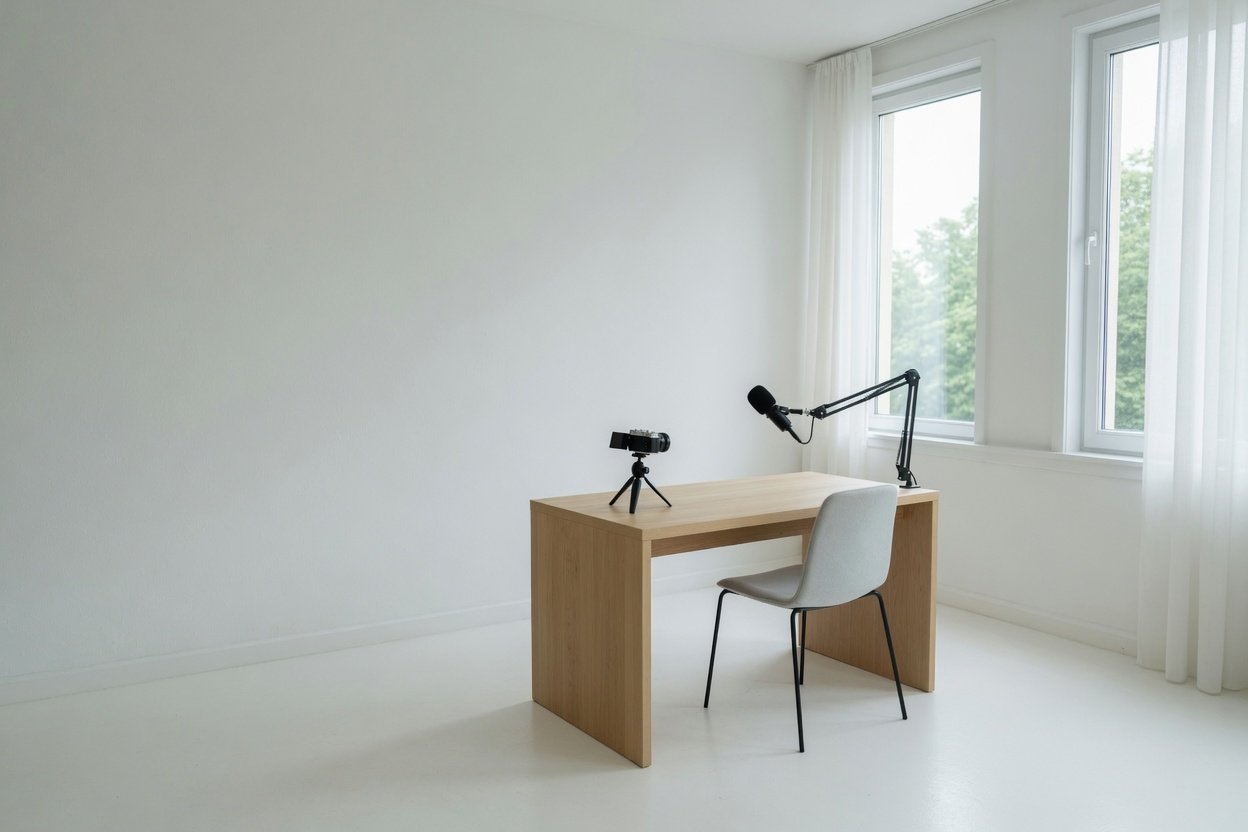 Wide.mkv
-
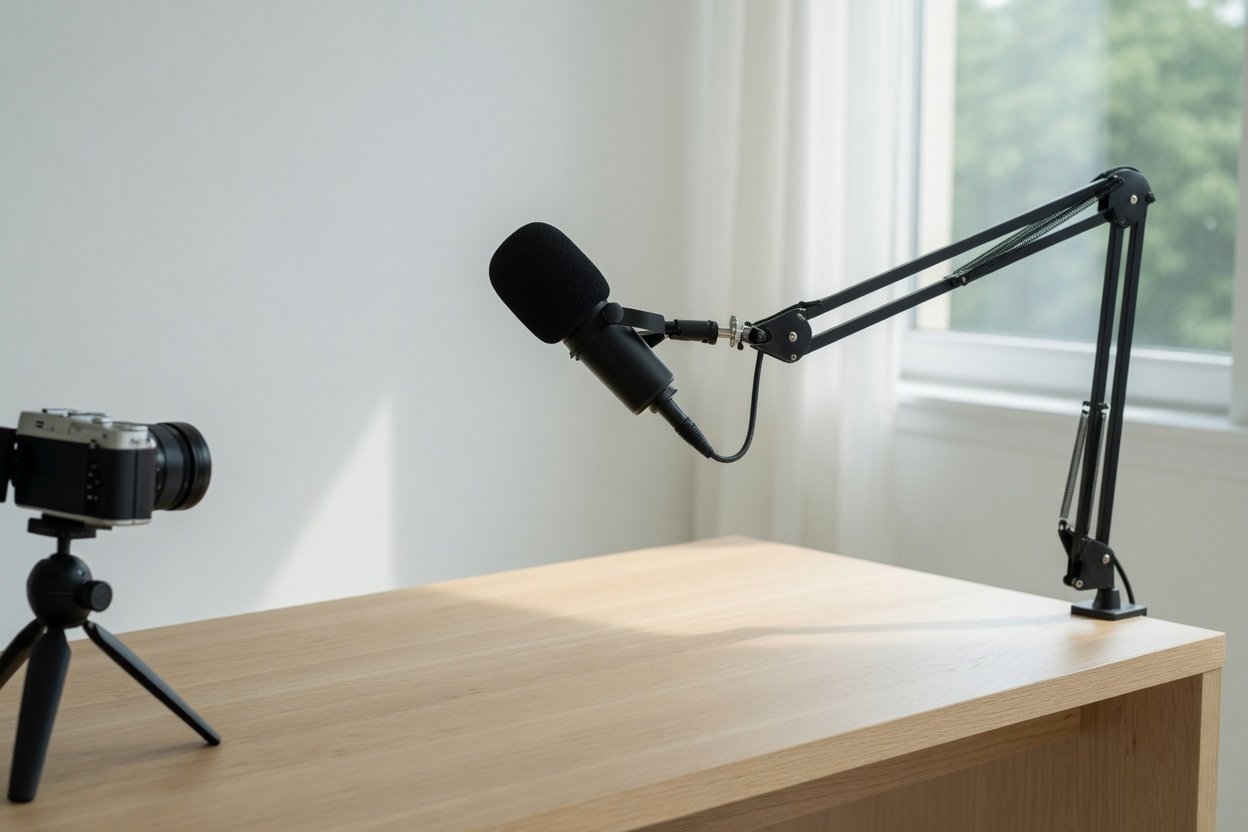 Close.mkv
-
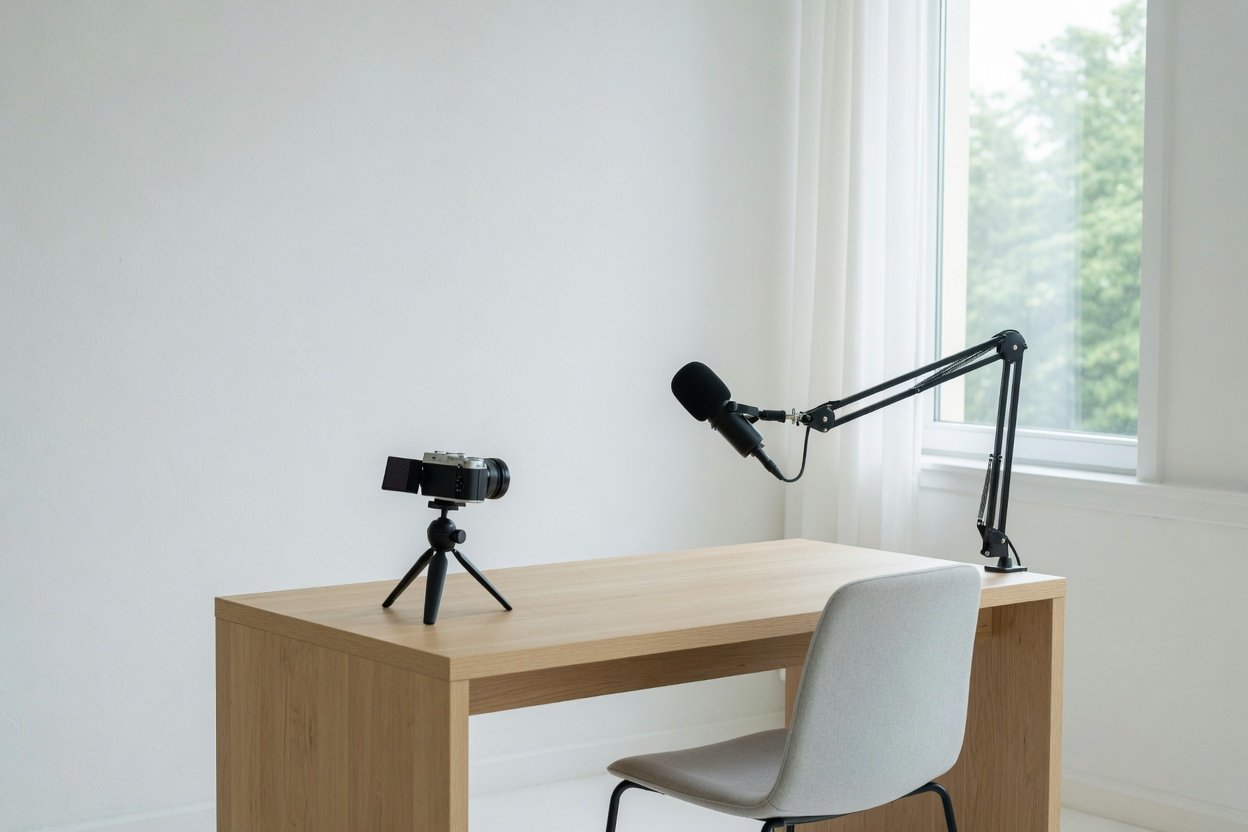 Desk.mkv
Off Program still records.
A scene does not have to be on Program to get a file. Tick it and it records in the background. Program output, and the stream, stay as they are.
It can match OBS.
Match OBS recording settings is on by default. That copies the format, the encoder, and the bitrate from Settings, then Output. The folder stays the one you set in the dock. Turn the match off and those three are yours again.
The dock.
Open Docks, then Scene ISO. Tick the scenes, name the take, and go live. Or press Record selected now and stay off the stream.
Go live as usual. Checked scenes record in the background, even off Program.
Match OBS recording settings
Audio from that scene only
Record checked scenes while you're live
Also while OBS is recording
Scenes to record
- Wide
- Close
- Desk
- BRB
Windows and Mac.
Free. The email sends both installers and the source. The plugin is GPL-2.0.
- Windows. Close OBS, unzip, and run the Setup file. If Windows warns you, choose More info, then Run anyway.
- Mac. Unzip, right-click Install.command, and choose Open. Quit OBS and open it again.