AI Training for Production Houses: What Should a Team Learn?
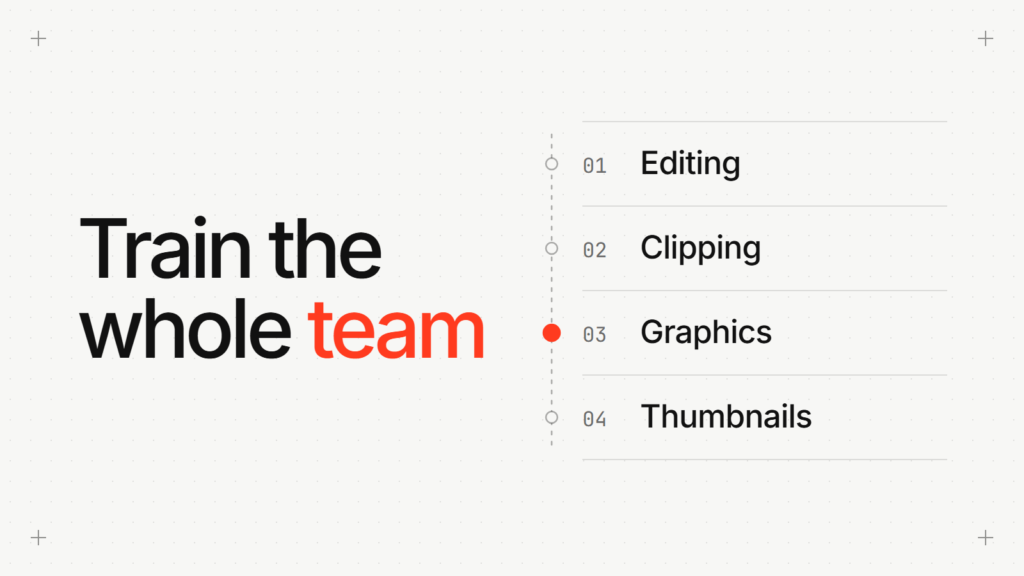
AI training for a production house should teach the team a working pipeline, not a list of tools: how to use AI for transcripts, rough cuts, clips, graphics and packaging on their own footage, and how to check the output so quality holds. A team should leave able to run a real job faster.
We train production teams on the same workflow we use for client work each week. This post sets out what is worth teaching, what to skip, and how to tell whether training has worked.
Key Takeaways
- Teach a method: tools change monthly, a way of working does not.
- Use real footage: demo material hides the problems a team will meet on a live job.
- Teach the checks: speed without a quality gate produces average work quickly.
- Measure it on a job: training has worked when a real project goes out sooner at the same standard.
What should an AI training course for a video team cover?
| Module | What the team learns | Outcome |
|---|---|---|
| Workflow audit | Where hours go on a current job | A short list of steps worth automating |
| AI-assisted editing | Transcript-led rough cuts and selects | A first pass ready for an editor |
| Clips and shorts | Finding and structuring moments | More clips from each recording |
| Graphics and thumbnails | Making assets to a brand standard | Consistent packaging |
| Quality gates | Checks before review | Fewer errors reaching a client |
| Playbooks | Writing the workflow down | The method survives staff changes |
Why do most teams fail to adopt AI?
Because adoption is left to individuals. One editor experiments, finds something useful and keeps it to themselves. Nothing becomes a shared process, so the saving never shows up on a client job. The fix is to agree one workflow, write it down and run it on a real project together.
Should training be in person or remote?
- In person suits a team that shares an edit suite. Problems get solved at the desk.
- Remote suits distributed teams and is easier to schedule around live jobs.
- Either way, the session should use the team’s own footage and briefs.
What should a team be able to do afterwards?
- Take a recording to a reviewed first cut without manual logging.
- Produce clips to a set structure and check them.
- Make packaging that matches the brand.
- Explain what a person must still check, and why.
Will AI training make editors redundant?
That is not what we see. The repetitive passes go to agents. Editors spend more of their day on the decisions that clients pay for. Teams that explain this clearly get much better adoption than teams that leave people to guess.
We document parts of our own workflow publicly, for example a complete edit done with Claude Code. The automation runs on Claude Code. See our AI creative training service for how a programme is scoped.
Frequently asked questions
Who is AI creative training for?
Production houses, agencies and in-house video teams that already make good work and want to make it faster.
Do we need developers on the team?
No. If a team can run an edit suite, they can run this workflow. The technical set-up is done with them.
Which AI tools should a production house learn first?
Start with transcription and transcript-led editing. They save the most time and carry the least creative risk.
How long does training take?
It depends on team size and scope. It should be planned around a real job so the result can be measured.
Want to see it on your own show? Book a free 30-minute call and we will walk through where AI would save you time and where it would not.
Want results like this for your channel?
Book a free 30-minute strategy call and let's figure out the right move for your content.
Book a strategy call →